
Codex CLI starts a self-updating daemon by default. Here is the opt-out.
Since 0.157.0, eligible interactive Codex sessions can leave a persistent app-server daemon running. How to check, how to turn it off, and why agent CLIs should make that opt-in.
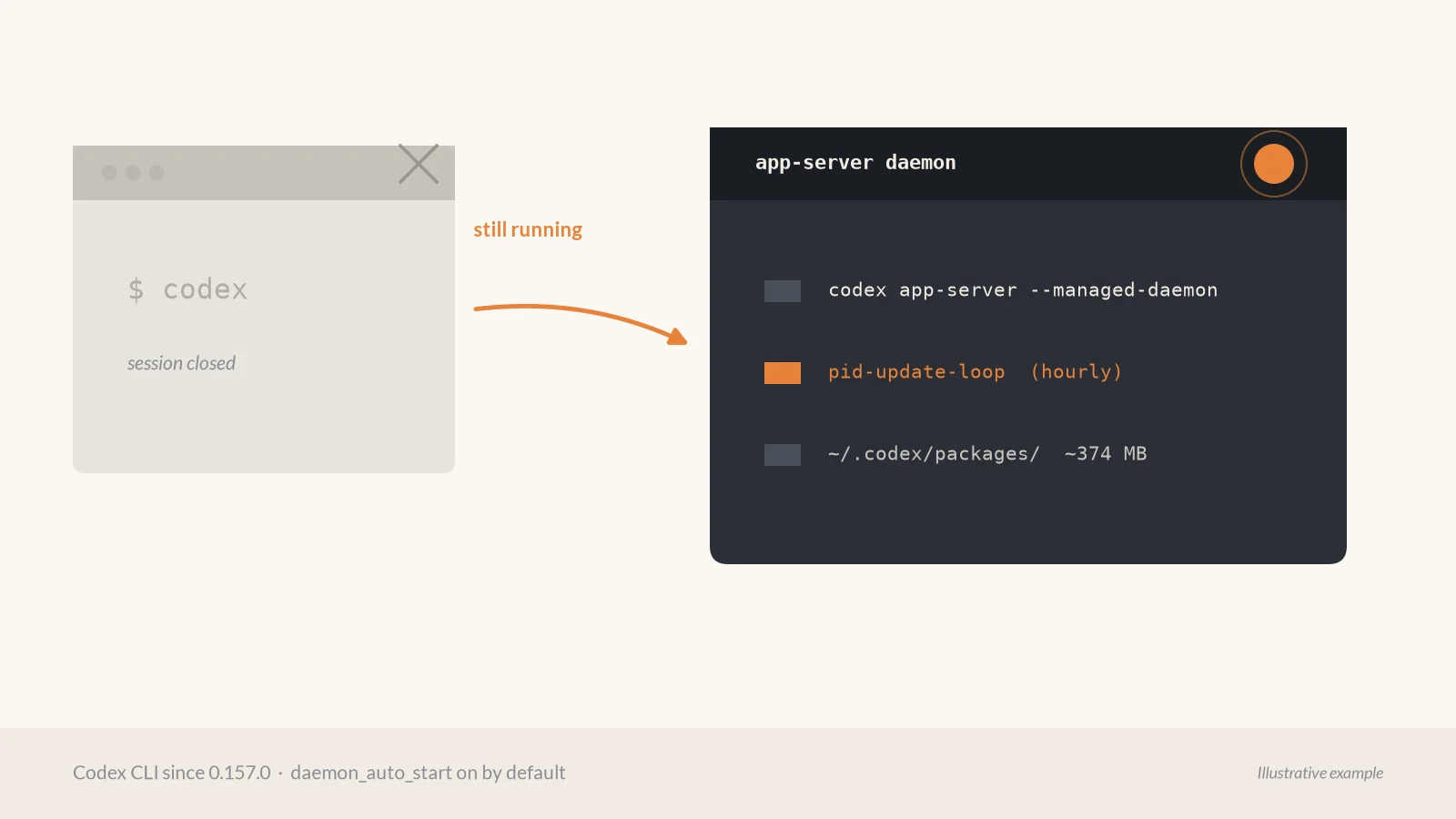
Since Codex CLI 0.157.0 (opens in a new tab) (25 Sep 2026), eligible interactive sessions auto-start a shared background app-server. The release notes call it automatic background-server startup. The change landed as PR 47179, “Enable automatic daemon startup by default.”
On machines where we run coding agents, we now treat that as something to inventory, not a surprise process.
What changed
The daemon lives in codex-rs/app-server-daemon. OpenAI’s README (opens in a new tab) says it backs remote clients: desktop, mobile, and SSH. That use case is real. The debate is the default for a normal local codex session.
Issue 48195 (opens in a new tab) asks to make daemon_auto_start opt-in. The reporter’s account of 0.157.0 on Linux (WSL2):
- A persistent
codex app-server --managed-daemonkeeps running after every window closes, until stop or reboot. - It copies the platform package under
~/.codex/packages/(about 374 MB in that report) and runs from that copy, decoupled from the package-manager install. - A detached updater,
pid-update-loop, checks for updates after about five minutes, then hourly, and can restart the backend. - The daemon keeps the environment of whichever session started it.
Those measurements are the issue author’s. The README independently documents the five-minute-then-hourly update cadence and a 60-second shutdown grace window on managed restarts, which can interrupt active work.
We checked the feature registry on the current stable tag rust-v0.162.1 (opens in a new tab): daemon_auto_start is still stable and default_enabled: true. Distro packages that lack the complete package layout can fail to start unless you pass --no-daemon (issue 48050 (opens in a new tab) on Arch). The opt-in request hit the Hacker News front page (opens in a new tab) around 12 Oct 2026.
| What it does | Why it matters | What to do |
|---|---|---|
| Auto-starts a managed app-server | Survives closing the terminal | Disable auto-start on shared boxes |
Copies a managed package under ~/.codex/packages/ |
Version drifts from your pin | Pin the CLI and audit that directory |
| Hourly update checks, then restart | Can cut off a long turn | Prefer --no-daemon for unattended runs |
How to check
After a codex session (or on a box where someone else ran one):
ps aux | grep app-serverLook for app-server --managed-daemon and app-server daemon pid-update-loop. If either is there after you closed every Codex window, auto-start did its job.
How to turn it off
Persistent disable, then stop what is already running (from issue 48195):
codex features disable daemon_auto_start
codex app-server daemon stop
pkill -f 'app-server daemon pid-update-loop'
The pkill line exists because daemon stop was reported to leave the updater alive on 0.157.0. Verify on your version with ps afterward. One-off bypass for a single launch:
codex --no-daemonYou can also set daemon_auto_start to false under the features table in ~/.codex/config.toml. Prefer the codex features disable command so you do not have to hand-edit the table form.
The broader lesson
A shared daemon for remote control is fine when you asked for it. Leaving a long-lived, self-updating process behind after a CLI session is infrastructure, and infrastructure defaults should be opt-in on laptops, shared dev boxes, CI runners, and servers you SSH into.
On machines where we run coding agents we now:
- Check whether an agent CLI left processes running after exit.
- Disable auto-start features we did not request.
- Pin versions on shared machines and CI, and treat managed copies under home directories as drift to audit.
Agent tools edit your tree. If they also install, update, and restart themselves in the background, that lifecycle belongs under your package manager and your change window, not as a silent default.